How to Pause Pac-Man 30th Anniversary (Google Doodle)
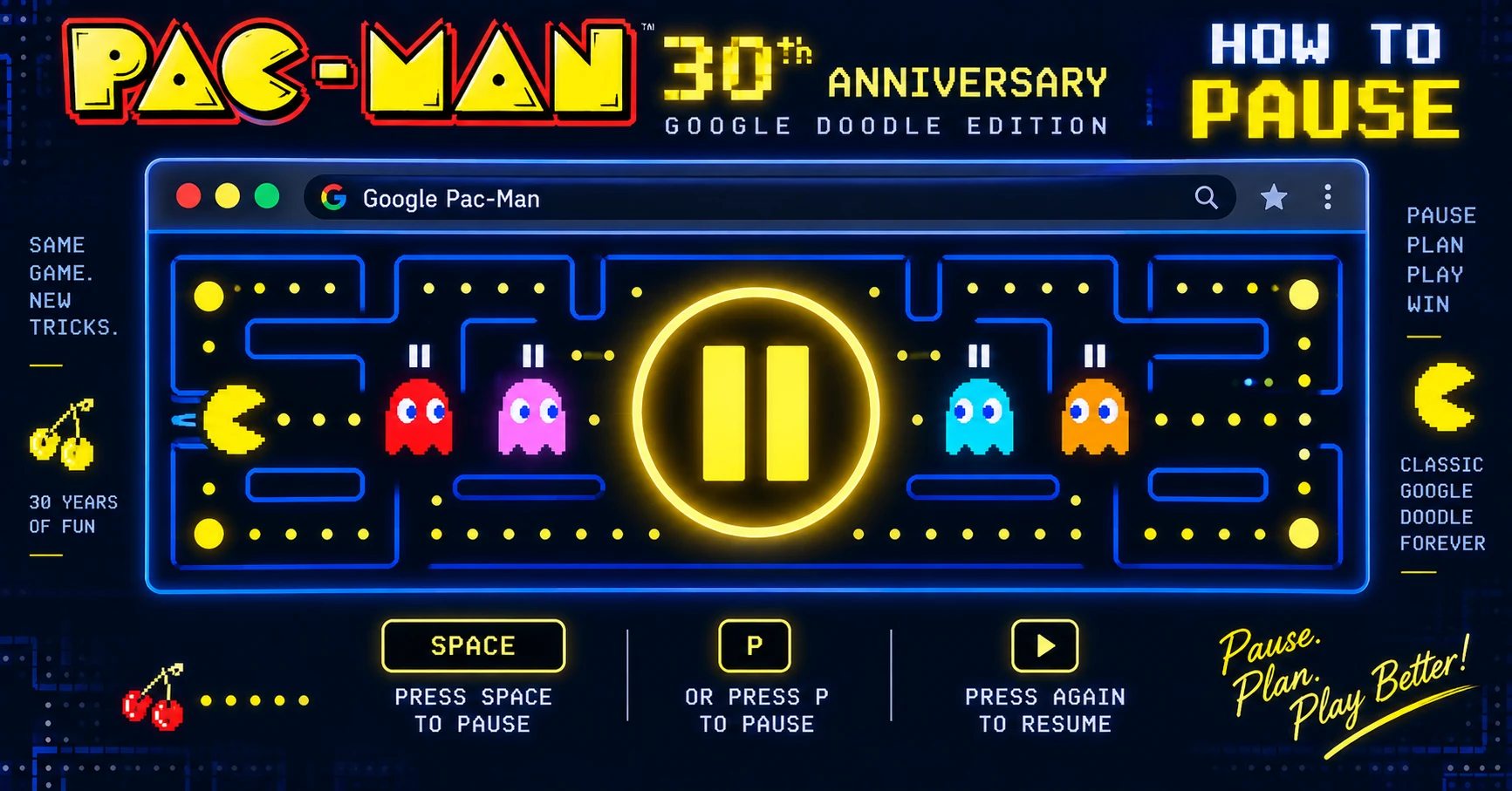
The Google Pac-Man 30th anniversary Doodle from 2010 doesn't have an obvious pause button, but there are two ways to pause it.
Method 1: switch tabs or windows
The simplest way: click any other browser tab, switch to another window, or minimize the browser. The game pauses automatically because most browsers throttle background tabs.
When you return to the Google Pac-Man tab, the game picks up where you left off.
Method 2: Esc key
Some versions of the Doodle respond to the Esc key by pausing. Press Esc to pause; press it again or click the game area to resume.
If neither works
The Doodle has had several updates over the years. If both methods fail, simply tabbing away from the browser will pause the game. There's no other built-in pause control.
Skip the Doodle
For a more flexible Pac-Man with proper pause controls, play Classic Pac directly on this site. You can pause anytime.
💡 Browse our full directory of our Pac-Man games directory — 34 games, no download required.